summree
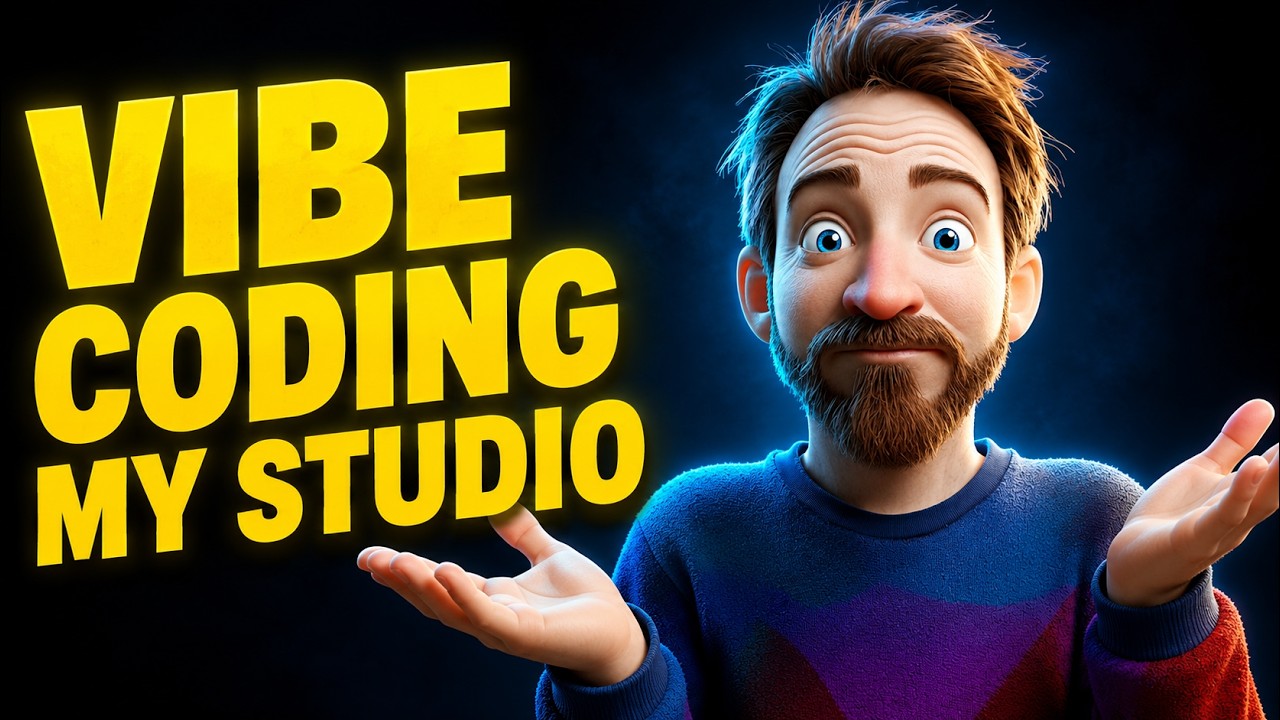
I'm Vibe Coding My YouTube Studio Live
Claude Code
Creator Magic

I'm Vibe Coding My YouTube Studio Live

⏱ 55 min video · 3 min read14 May 2026
TL;DR
Mike Russell live-streams a session where he uses Claude Code to programmatically control his Sony FX30 camera settings and Home Assistant smart lights to dial in his YouTube studio look in real time. He also shares a detailed plan for a hybrid local/cloud AI system using OpenClaw, local LLMs on a Mac Studio M3 Ultra, and a VPS to automate content research.
Key points
1
Claude Code was used to access the Sony FX30 via its official SDK, automatically cycling through shutter speeds to eliminate Hue light flicker, identifying 1/124.6s as the mathematically optimal shutter speed for 60fps.
2
Claude Code connected to Home Assistant via API token, autonomously changed Elgato key lights and Hue background lights, took OBS screenshots, and annotated them with settings overlays to compare 30+ lighting scenes.
3
An overnight Claude Code slash-goal session benchmarked multiple local LLMs against Claude Opus quality, concluding ChatGPT OSS 120B is the best local substitute, with Qwen 3.6 35B as a strong backup using less RAM.
4
Mike outlined a hybrid AI architecture: a VPS scrapes web content 24/7, pipes raw data to a local NAS in a Karpathy-style LLM wiki, local OpenClaw organizes it, and Claude Opus is called only 2-3 times daily for executive summaries.
5
The stream achieved 4K 60fps output via OBS on a Mac Studio M1, with the audience voting in real time to keep the purple/indigo background lighting as the signature look for future Creator Magic videos.
Actionable insights
Use Claude Code with the Sony camera SDK to programmatically sweep shutter speed settings and find the flicker-free value for your specific lighting setup rather than guessing manually.
Give Claude Code a Home Assistant API token and a slash-goal prompt to autonomously run lighting scene tests, screenshot results with annotated settings overlays, and iterate toward audience-approved looks.
For near-frontier local AI quality without cloud costs, run ChatGPT OSS 120B as the primary model and Qwen 3.6 35B as backup on an M3 Ultra Mac Studio, then distribute tasks via a local OpenClaw instance air-gapped from the internet.
Notable quotes

I basically set Claude Code loose with a forward slash goal and I said, I want you to look at the first four months of my OpenClaw usage... look at the kind of quality results I'm getting, the kind of tools I'm calling... and then go through all the local models I downloaded and smoke test all of those local AI models all night long.

I am not touching anything and Claude Code is literally vibe coding my YouTube look right now.

Free grabbing of data, free organization in my Karpathy-style wiki using almost frontier-style local AI, stored on my NAS and then a frontier model just like looks at it and triages it... and then comes to me and says, Mike, you probably want to look at this, this, and this. Boom.

Worth watching?
⏭️
Worth watching the full video?
The key ideas are all captured here - watch only if you want to see the live Home Assistant and camera SDK demos in action, as the actual footage of lights changing in real time is the main draw the summary cannot fully replicate.
Topics
AI & TechClaude Code

Explore more summaries on these topics →

Saved you some time? The creator still deserves a like.

Watch on YouTube →
More like this

Want this for your own channels?

Add the channels you follow. Every new video summarised and in your inbox the moment it drops. From £4/month.

Try it free