
← Claude
Brock Mesarich | AI for Non Techies
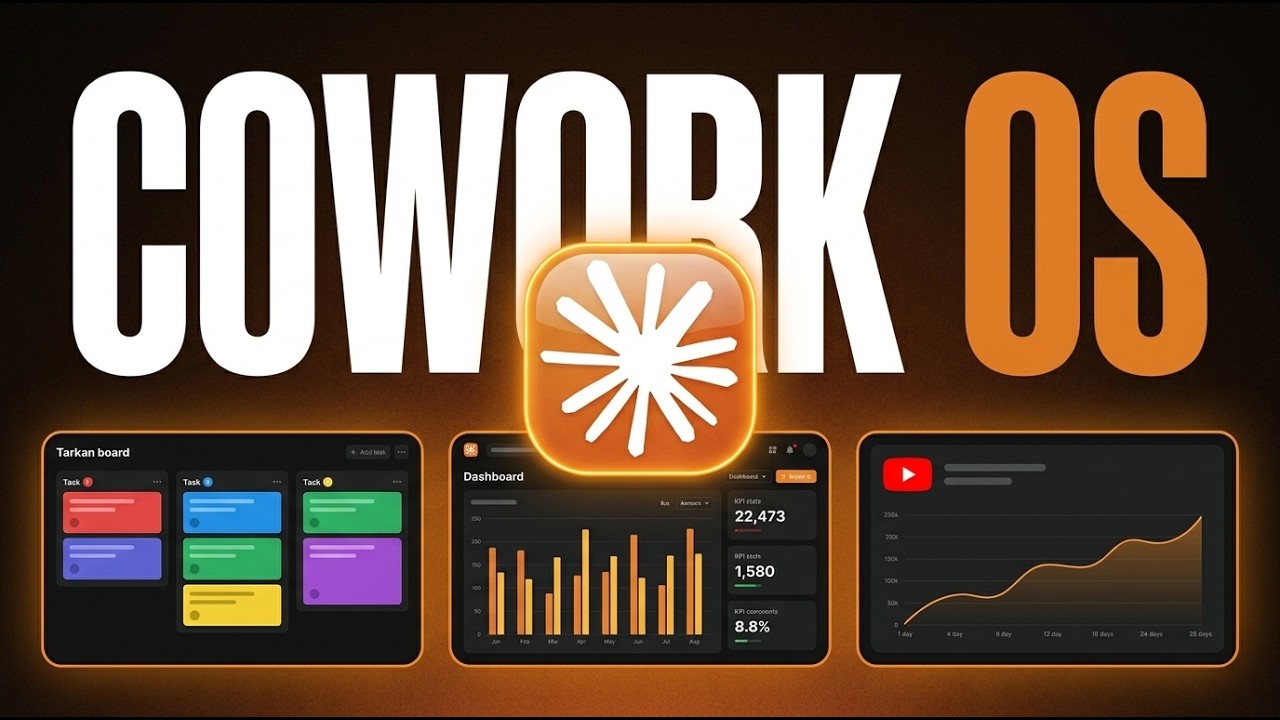
The Best Claude Cowork Feature Of The Year (and it's hidden)
2 min read28 Apr 2026
TL;DR
This video reveals Claude Code's 'Live Artifacts' feature — self-contained HTML dashboards that pull real-time data from connected apps like Stripe, Bitly, Gmail, Google Calendar, and Notion without wasting tokens on regeneration. The creator shows how to set them up, connect apps via native connectors or Zapier MCP, and use them as a custom daily operating system for your business.
Key points
1
Claude Code's Live Artifacts are self-contained HTML dashboards that auto-refresh real-time data from connected apps, eliminating the need to regenerate dashboards from scratch each time.
2
Live Artifacts are only accessible in the Claude desktop app under Co-work mode — not on the web application.
3
Native connectors include Gmail, Google Drive, Google Calendar, Notion, Slack, Stripe, and Spotify; unsupported apps can be added via a Zapier MCP server (9,000+ app integrations).
4
Live Artifacts are pinned in the left sidebar for instant access and can read data from AND write changes back to connected apps directly inside the dashboard.
5
The creator built dashboards for Stripe revenue tracking, Bitly link analytics, and a Notion company overview — all from simple natural-language prompts in Co-work mode.
Actionable insights
→
Download the Claude desktop app and switch to Co-work mode to unlock Live Artifacts — this feature is not available on the web version.
→
Set up native connectors first (Gmail, Notion, Stripe, Google Calendar, etc.) via the Customize panel in the left sidebar before creating any Live Artifact.
→
If your app is not natively supported, create a Zapier MCP server, connect it to Claude Co-work, and add your tools there to access 8,000+ additional integrations.
Notable quotes
“Having a custom operating system for yourself as well as for your team is the future of AI.”
“Before this new feature came out, I had to run a scheduled task which is basically an automation that runs every single day at a specific time in order to rescrape my email, pull every link from Bit.ly, and pull information from my Google calendar as well as it had to rebuild that dashboard from scratch every single time.”
Worth watching?
⏭️
Worth watching the full video?
The key concepts, setup steps, and use cases are fully captured here — skip the video unless you want to see the live screen-share walkthroughs of the Stripe and Bitly dashboards in action.
Saved you some time? The creator still deserves a like.


Want this for your own channels?
Add the channels you follow. Every new video summarised and in your inbox the moment it drops. From £4/month.
Try it free