← Claude
Jack Roberts
Every Level of Claude Code Websites Explained
⏱ 21 min video · 3 min read5 Jul 2026Worth watching
TL;DR
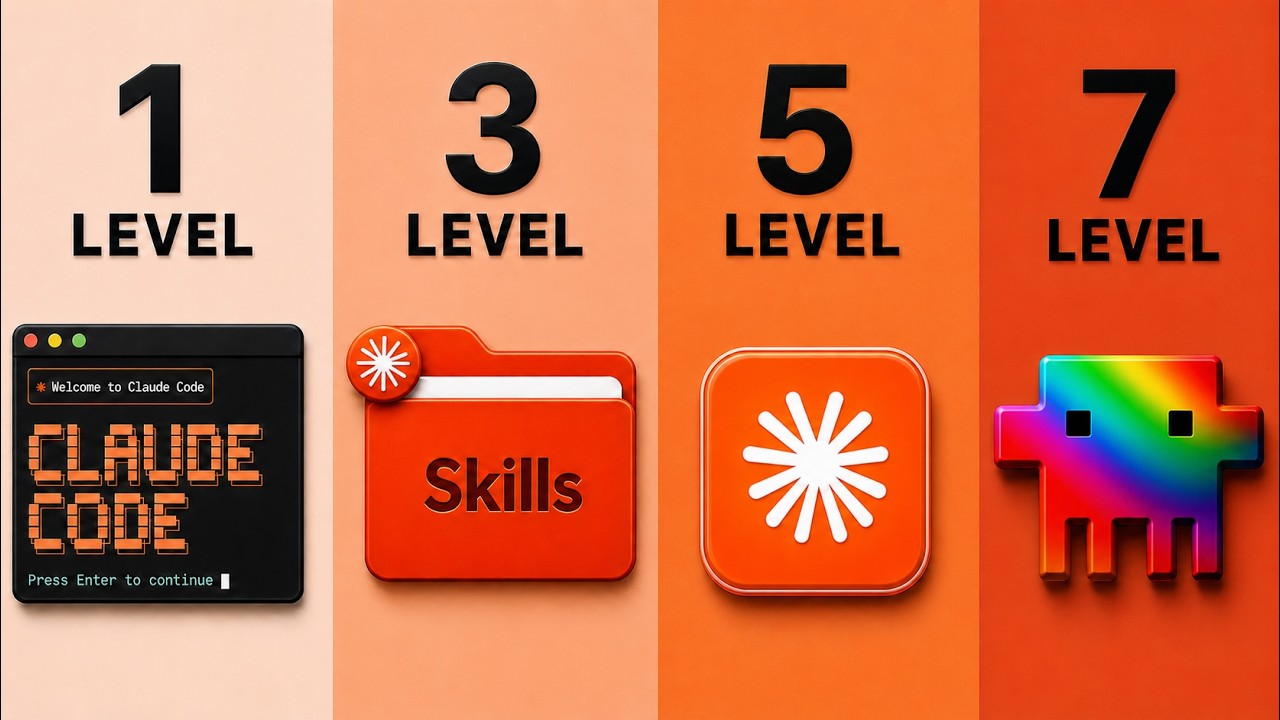
Jack Roberts walks through 7 progressive levels for building high-quality websites with Claude Code, from basic chatbot prompts to advanced design extraction techniques. Each level adds a specific skill or tool — reference images, design skills from GitHub, AI image/video generation, UI component libraries, competitive data scraping, and full design identity extraction — that dramatically improves output quality.
Key points
1
Level 1-2: Simply prompting Claude like a chatbot produces poor results; providing screenshot references and mood-board images (from sites like Godly, Landbook, Dribbble) immediately improves design quality.
2
Level 3: Adding GitHub-hosted design skills (e.g. UI/UX Pro Max with 67 UI styles and 161 color palettes, Shadcn UI) gives Claude structured design knowledge that transforms output.
3
Level 4: Connecting Claude Code to AI image/video generators like OpenArt via MCP enables programmatic creation of on-brand product images and animated videos directly inside the build process.
4
Level 5 (UI Snapping): Copy-pasting pre-built components from libraries like 21st.dev, Codepen, and Magic UI lets Claude integrate polished UI elements without rebuilding them from scratch.
5
Level 6-7: Using Firecrawl MCP to scrape competitor websites for brand identity, color, and conversion patterns — then using design extraction prompts to pull a full design blueprint from an admired website — produces the highest-quality, conversion-focused results.
Actionable insights
→
Use Godly.io, Landbook, or Dribbble to find reference designs, copy images, and drop them into Claude to steer design direction rather than describing it in words.
→
Install GitHub-hosted design skills like UI/UX Pro Max into Claude Code before building any website — this gives Claude codified rules for typography, color palettes, and layout.
→
Use Firecrawl MCP to scrape the top 10 competitors in your niche, build a scoring matrix of what winners share, and generate a blueprint before writing a single line of website code.
→
For design extraction (Level 7), give Claude a URL of a website you admire and ask it to extract typography, color, spacing, and design rules into a reusable blueprint — then build your site against that blueprint.
→
Connect Claude Code to OpenArt via MCP to auto-generate product images and looping videos (using models like Kling Sedan 2.0) that slot directly into your website build in one pass.
Notable quotes
“A beautiful website that does not actually turn viewers into buyers is like having a Ferrari with no engine. Looks freaking amazing on the front of the house, but doesn't really do anything.”
“Claude doesn't always understand what great design is. And sometimes we don't even understand what great design is. We can't articulate them.”
“This is one shot. I haven't done anything else than the exact system I just showed you.”
Worth watching?
✅
Worth watching the full video?
Worth watching if you build websites with Claude Code — the live demos of each level make the quality differences immediately obvious, and the specific tools and prompts (Firecrawl, OpenArt, 21st.dev, GitHub design skills) are directly actionable.
Saved you some time? The creator still deserves a like.


Want this for your own channels?
Add the channels you follow. Every new video summarised and in your inbox the moment it drops. From £4/month.
Try it free