summree
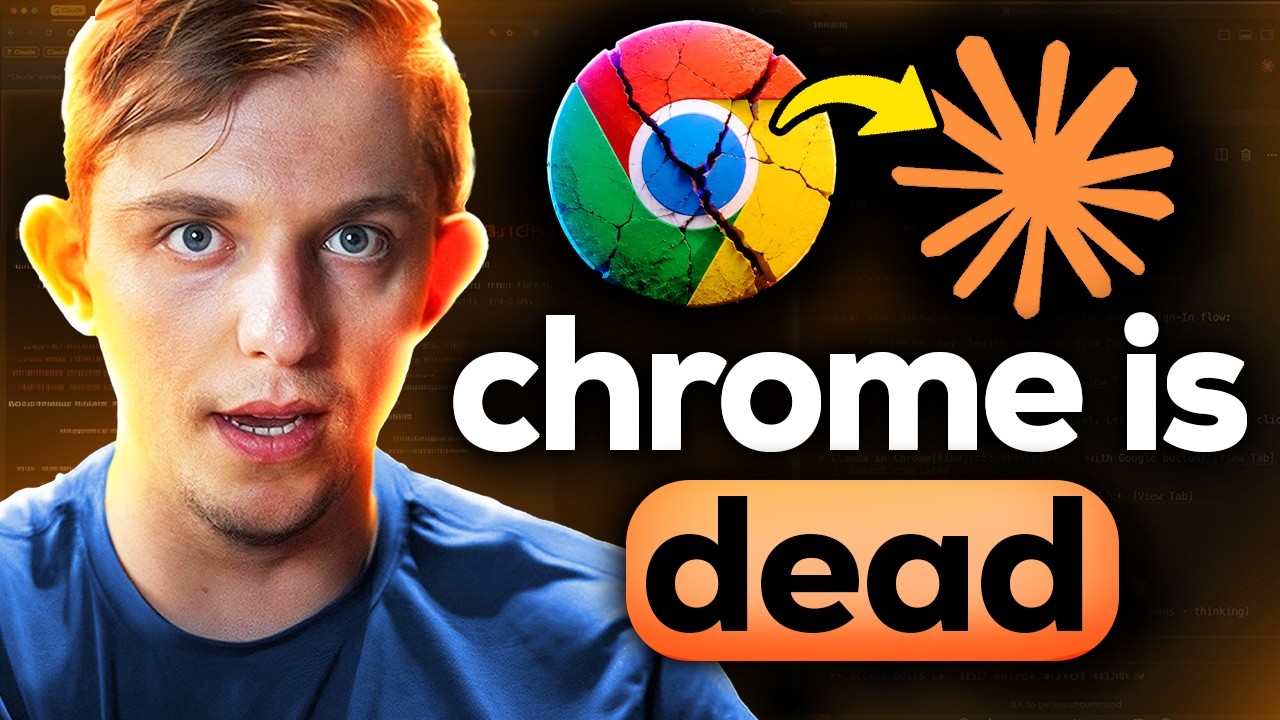
Codex and Claude Shipped Browser Updates. This Changes Everything.
OpenAI
Riley Brown

Codex and Claude Shipped Browser Updates. This Changes Everything.

⏱ 24 min video · 3 min read15 Jul 2026Worth watching
TL;DR
OpenAI (Codex) and Anthropic (Claude Code) simultaneously shipped in-app browser updates that let AI agents open multiple tabs, navigate real websites, and take actions directly within the app. Riley Brown demonstrates how this transforms these tools from coding assistants into personal operating systems for knowledge work and content creation.
Key points
1
Both Codex and Claude Code now support full multi-tab in-app browsers — Claude Code previously limited the browser to localhost links only, a restriction lifted just days ago.
2
Codex is significantly more polished for browser-based workflows: you can open a tab with Command+T before any chat starts, integrations like Google Drive and Notion are better synced, and sub-agents can open many tabs in parallel rather than one at a time.
3
AI agents can be instructed to open specific tabs as part of named skills — for example, an email-draft skill that automatically opens every drafted reply in its own browser tab for one-click review and sending.
4
The browser-as-OS workflow involves asking AI what to work on next (pulling from calendar, email, Notion), then having it open all relevant docs, research links, and guest profiles in separate tabs automatically.
5
From a single Codex session you can spin up multiple parallel research threads simultaneously — each opening its own set of browser tabs for hook analysis, product research, and podcast guest vetting at the same time.
Actionable insights
Use Command+T in Codex to open a browser tab before starting a chat, then instruct the AI to open all relevant project files, Notion docs, or social profiles at once — replacing the manual tab-opening routine.
Embed browser-open instructions inside named skills so that recurring workflows (email drafts, tweet queues, support ticket responses) automatically surface finished work as ready-to-act browser tabs without extra prompting.
Run parallel research sessions from one Codex prompt: ask it to create three separate threads simultaneously — each opening its own tabs — for tasks like hook analysis, product research, and podcast guest vetting, saving significant manual research time.
For content creators, instruct Codex to analyze a script line-by-line and open Google Images searches for each segment as sequential tabs, giving instant B-roll reference without leaving the app.
Use the Jack Dorsey-style workflow shift: instead of checking email, Slack, and Notion separately, ask the AI to evaluate all connected tools and surface your top three priorities, then pull the thread from there.
Notable quotes

The browser is the most underrated interface for all AI agents. It already sits on top of nearly every tool we use. Give it memory, context, and the ability to act, and it stops being a place you browse the internet. It becomes a place where you get work done.

I think it is really annoying when you are using an agent tool and it spins up an external browser and takes me to Chrome, takes me off the platform that I am working in. I just wanted to open up in the app that I am working in.

I have shifted from telling agents what to do to asking them what to do and pulling the best thread.

Worth watching?
Worth watching the full video?
Watch if you actively use Codex or Claude Code for business work — the live demos of parallel tab-opening, skill-embedded workflows, and the OS-style prompt chain are genuinely novel and the key ideas are captured here, but the screen recordings add useful visual context.
Topics
AI & TechOpenAI

Explore more summaries on these topics →

Saved you some time? The creator still deserves a like.

Watch on YouTube →
More like this

Found this by searching? That's the hard way.

summree watches the AI channels you follow and sends you the summary the moment a video drops. Nothing gets past you. From £4/month.

Try it free