← Claude
Creator Magic
Claude Tag Tutorial: AI Agent Living in Slack
⏱ 15 min video · 3 min read26 Jun 2026Worth watching
TL;DR
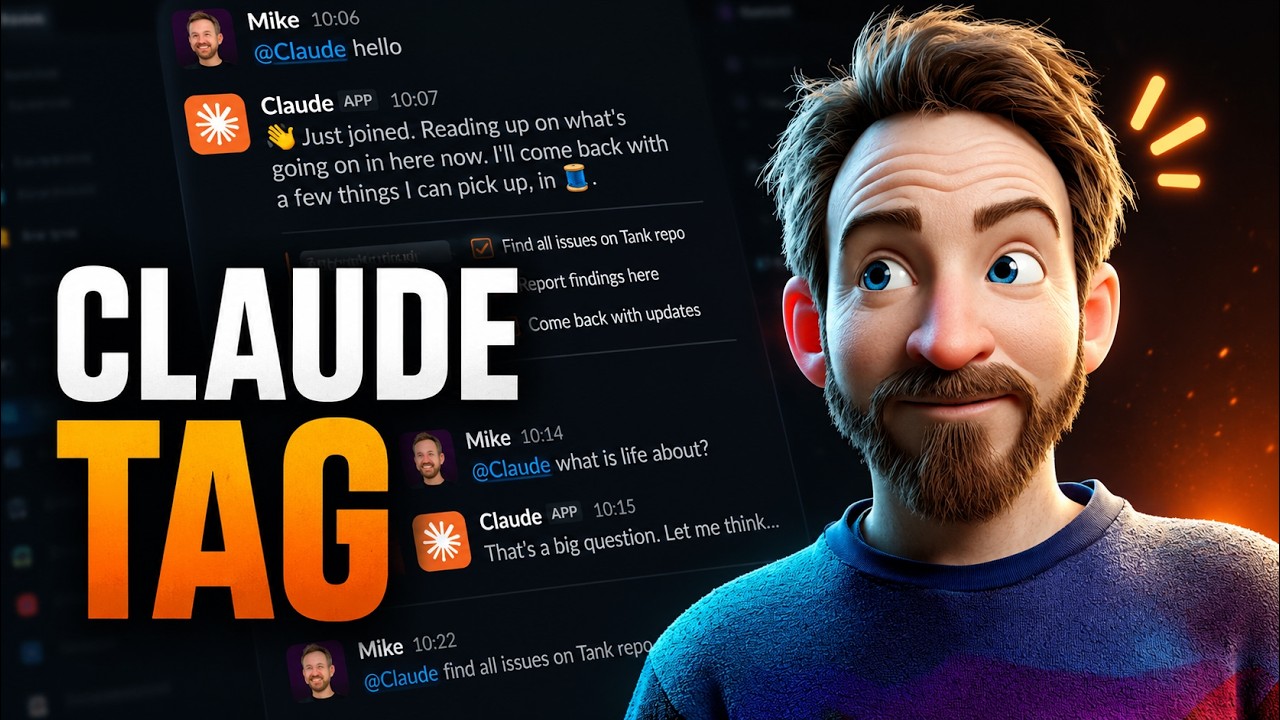
Claude Tag is Anthropic's new Slack-native AI agent that operates as a genuine team member with its own identity, credentials, and persistent memory — not just a chatbot. This tutorial walks through setup, channel-level customization, GitHub integration, and connecting Google Workspace tools so the agent can autonomously handle tasks like merging pull requests, sending emails, scheduling meetings, and recording transcripts.
Key points
1
Claude Tag is available to Anthropic Teams and Enterprise plan users and is set up via organization settings by installing Claude for Slack and authenticating with a unique key.
2
Unlike older agent approaches (e.g. OpenClaw, Hermes) that borrow personal user credentials, Claude Tag gets its own dedicated accounts — its own Gmail, Google Drive, Calendar, GitHub access — eliminating credential-sharing security risks in shared channels.
3
Claude Tag builds persistent memory over time in markdown files (e.g. memory.md, repo-specific files), so it retains context about the team, projects, and even personal preferences without re-researching each session.
4
Each channel can have its own access bundle (linking GitHub repos, HubSpot, Notion, Asana, Linear, Google Workspace, etc.) and a custom system prompt — demonstrated with a Morpheus-from-The-Matrix persona.
5
Usage runs on extra credits beyond the base plan, so auto-reload and a monthly spending cap should be configured to keep the agent running continuously without unexpected overages.
Actionable insights
→
Create a dedicated Google Workspace account (and equivalent accounts for other tools) specifically for Claude Tag — never connect your personal accounts, as Claude Tag is meant to act as an independent employee, not as you.
→
Use per-channel access bundles and system prompts to scope Claude Tag appropriately — e.g. link GitHub only in the dev channel and HubSpot only in the sales channel, with role-specific instructions per channel.
→
Enable auto-reload for usage credits and set a monthly spending cap in organization settings to ensure Claude Tag never goes offline mid-task and costs never spiral unexpectedly.
→
Monitor the audit logs and memory files in organization settings to see exactly what Claude Tag is learning and doing — the memory.md files are editable and grow more valuable the longer the agent is active.
→
Each Claude Tag session in Slack runs as a Claude Code session under the hood, giving full transparency into tool calls, task duration, and API responses (e.g. Gmail OAuth returning a 200 status).
Notable quotes
“It's not just a chatbot inside Slack, it's actually a teammate that lives inside your channels. Anyone can tag it. It remembers what you're doing and everything you've ever said. It even works while you sleep.”
“Because there are no personal credentials in play, a shared channel can never become the side door into someone's own login and documents.”
“Imagine Claude Tag as an employee inside your organization.”
Worth watching?
✅
Worth watching the full video?
Watch if you want to see a live end-to-end demo of Claude Tag in action — the key setup steps and integrations are all captured here, but the screencast shows exactly how the agent behaves in real Slack threads, which is hard to convey in text alone.
Saved you some time? The creator still deserves a like.


Want this for your own channels?
Add the channels you follow. Every new video summarised and in your inbox the moment it drops. From £4/month.
Try it free