← OpenAI
Matt Wolfe
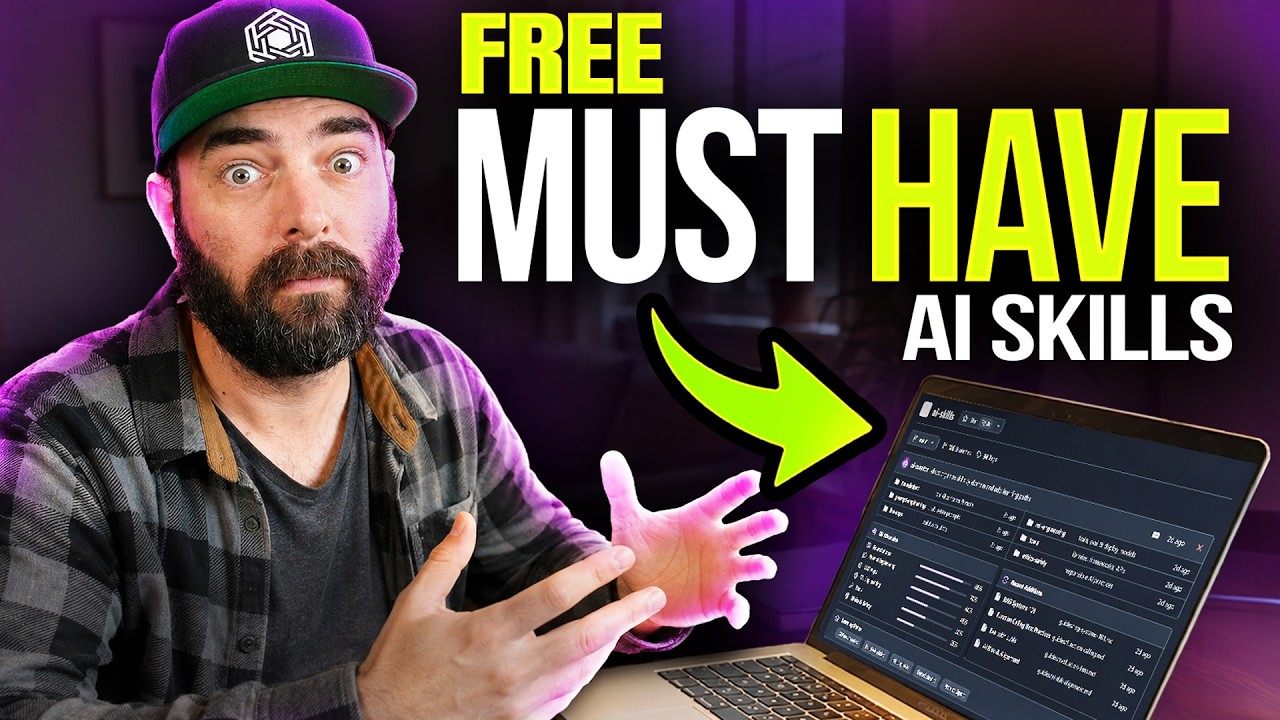
9 Free AI Skills That Feel Like Cheat Codes
⏱ 29 min video · 2 min read24 Jun 2026Worth watching
TL;DR
Matt Wolfe walks through his favorite free skills and plugins for AI coding agents like Claude Code, Codex, and Cursor, explaining what they are and how to install them. The first highlighted tool is Gary Tan's (Y Combinator CEO) GStack, a bundle of 23 specialist AI roles and 8 slash-command power tools that turns your AI agent into a virtual engineering team.
Key points
1
Skills are reusable .md instruction files (essentially dialed-in prompts) that give AI agents consistent, repeatable behavior when called upon
2
Plugins are larger bundles that can package multiple skills, agents, MCP servers, hooks, and configs together for easy one-click installation
3
These skills and plugins are largely universal — they work across Claude Code, Codex, Cursor, OpenClaw, Hermes, VS Code, and Microsoft Copilot
4
GStack by Gary Tan (Y Combinator CEO) is the first featured tool — it provides 23 specialist roles (CEO, engineering manager, designer, security auditor, QA lead, etc.) and 8 power tools, all free
5
Installation is as simple as pasting a GitHub URL into your agent prompt and asking it to install — Codex also has a native plugins/skills marketplace for even easier setup
Actionable insights
→
To install a skill or plugin, simply paste the GitHub URL (e.g. github.com/garytan/gstack) into Claude Code or Codex and prompt: 'install this for me, please'
→
Use GStack to instantly give your AI coding agent specialized roles — use slash commands to invoke a security auditor, QA lead, designer, or release engineer without manual setup
→
If using Codex, check the native plugins and skills marketplace first before manual GitHub installs — many featured tools are available there with a single click
Notable quotes
“A skill is essentially like the single prompt that tells the model what to do whenever that skill is called upon. A plugin is much more of a bundle that has not only skills but agents and MCPs and all sorts of other stuff.”
“Let's be honest, that's what you came for. You're not here to learn, you want to see this do some cool stuff.”
“The magic in all of these is that they don't just give your agent more context — they kind of give it like a repeatable behavior.”
Worth watching?
✅
Worth watching the full video?
Worth watching if you actively use AI coding agents — the transcript only covers the intro and first tool, so the full video likely contains 8 more free skills with live demos that are not captured here.
Saved you some time? The creator still deserves a like.



Want this for your own channels?
Add the channels you follow. Every new video summarised and in your inbox the moment it drops. From £4/month.
Try it free